Appearance
Settings
Defined settings are used as default values.
💡 Users can modify these settings interactively if allow user to change chart settings is enabled.
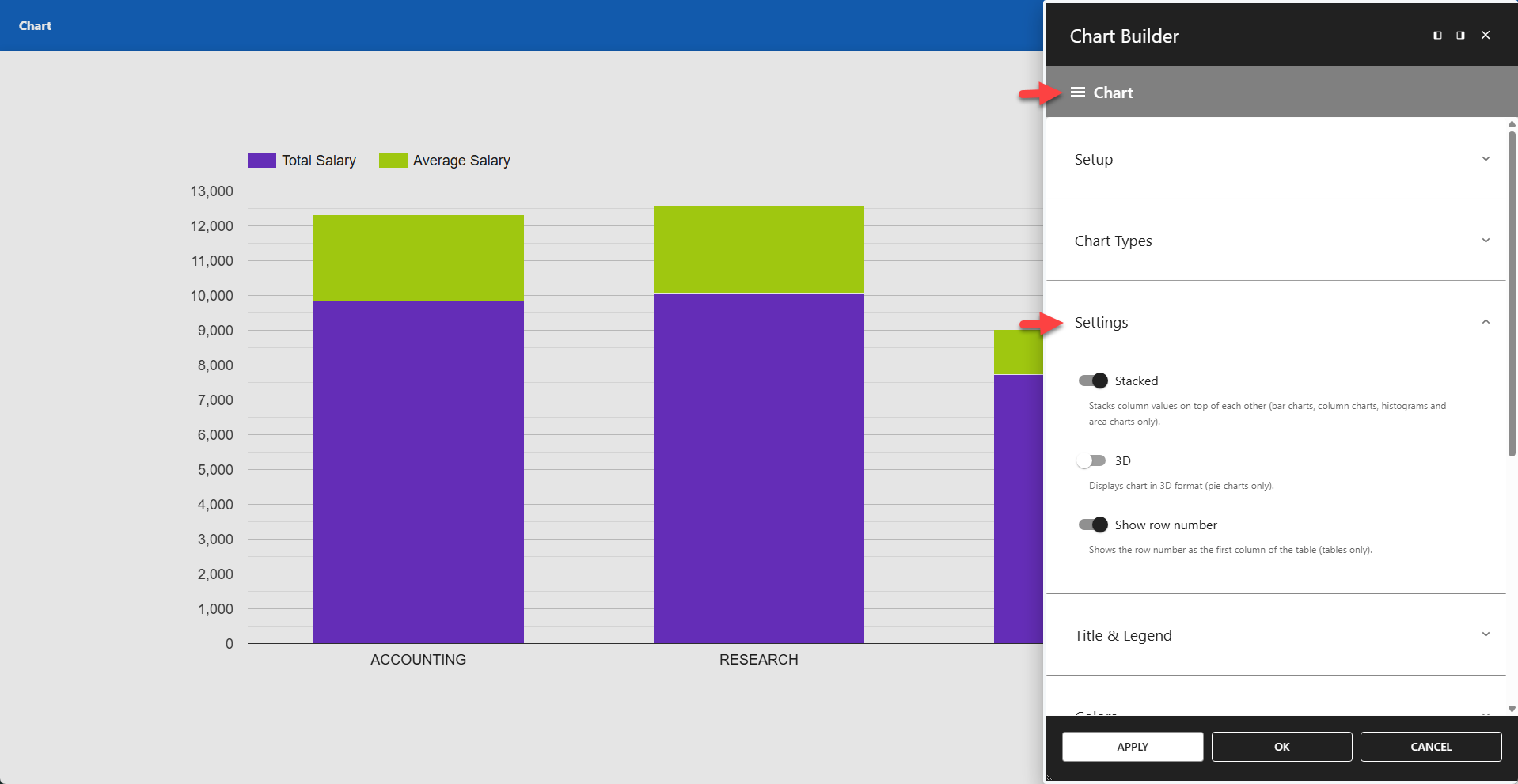
⚙️ Stacked
Stacks column values on top of each other.
📌 Applies to bar charts, column charts, histograms, and area charts only.
⚙️ 3D
Displays the chart in 3D format.
📌 Applies to pie charts only.
⚙️ Show Row Number
Shows the row number as the first column of the table.
📌 Applies to tables only.