Appearance
Row Actions
Row actions enable users to perform specific operations on individual rows. The View action is always available. To perform transactions such as Insert, Update, and Delete, the table must have a valid primary key defined on the server. If these actions are not selectable, check that your table has a primary key.

📌 Transactions are not available for views and will not be visible to unauthorized users.
📌 Transactions are not available in Data Table apps as Data Tables are read-only.
📌 Transactions are supported in Data Management apps. How can I change my app type?
⚙️ Allow Insert
Adds an Insert button to the table toolbar.
📌 The user must have the proper database privileges to insert new rows.
⚙️ Allow Viewing
Adds a View icon to the actions column of each row.
📌 The user must have the proper privileges to query the database table.
⚙️ Allow Update
Adds an Update (edit) icon to the actions column of each row.
📌 The user must have the proper database privileges to update rows.
⚙️ Hide Edit Icon
Inline editing requires that your app has Allow Update enabled. If you prefer to allow only inline editing (without the form), you can enable Allow Update and also turn on the Hide Edit Icon feature in the Row Actions section. This grants users the necessary permissions for inline editing, even without access to the full edit form.
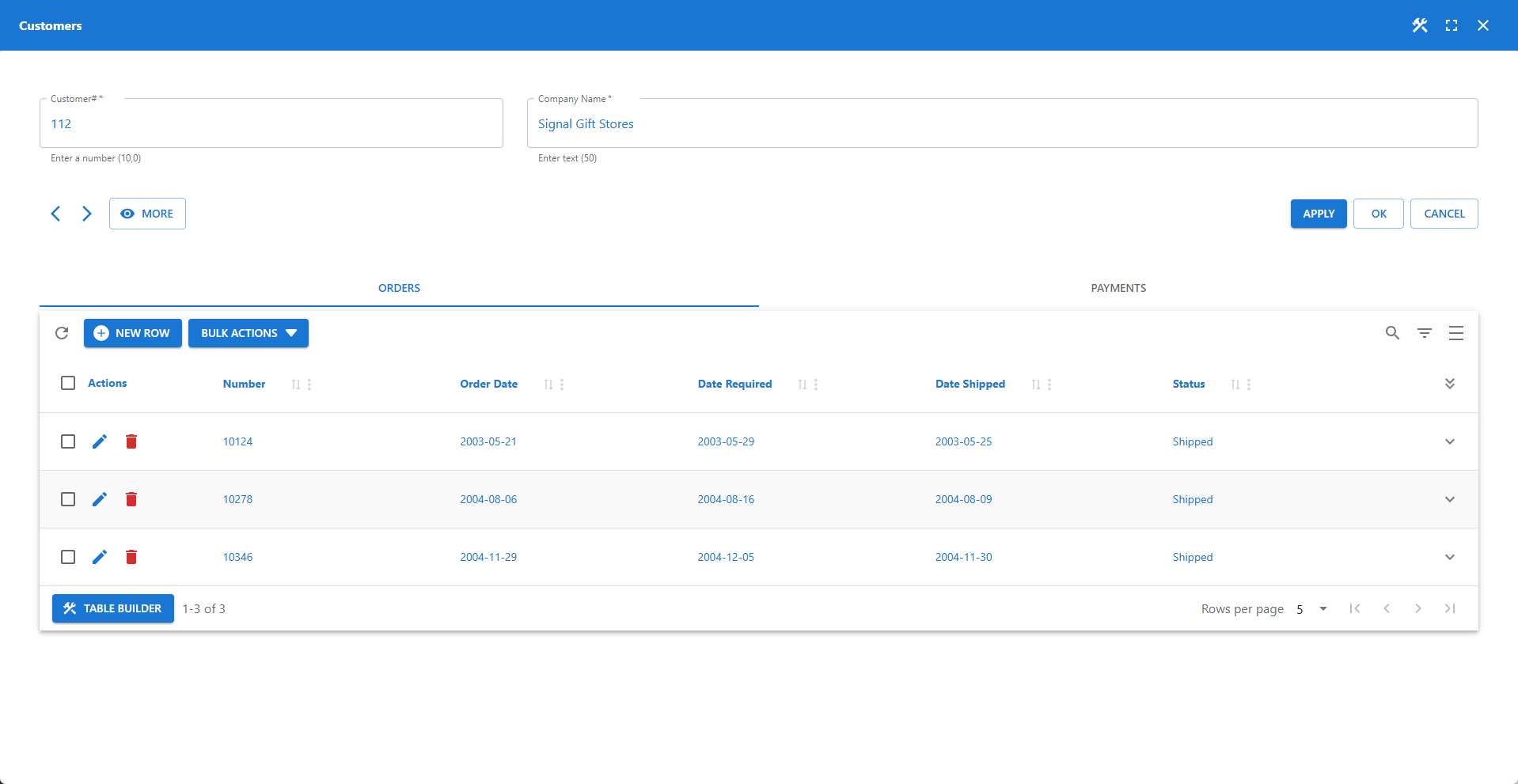
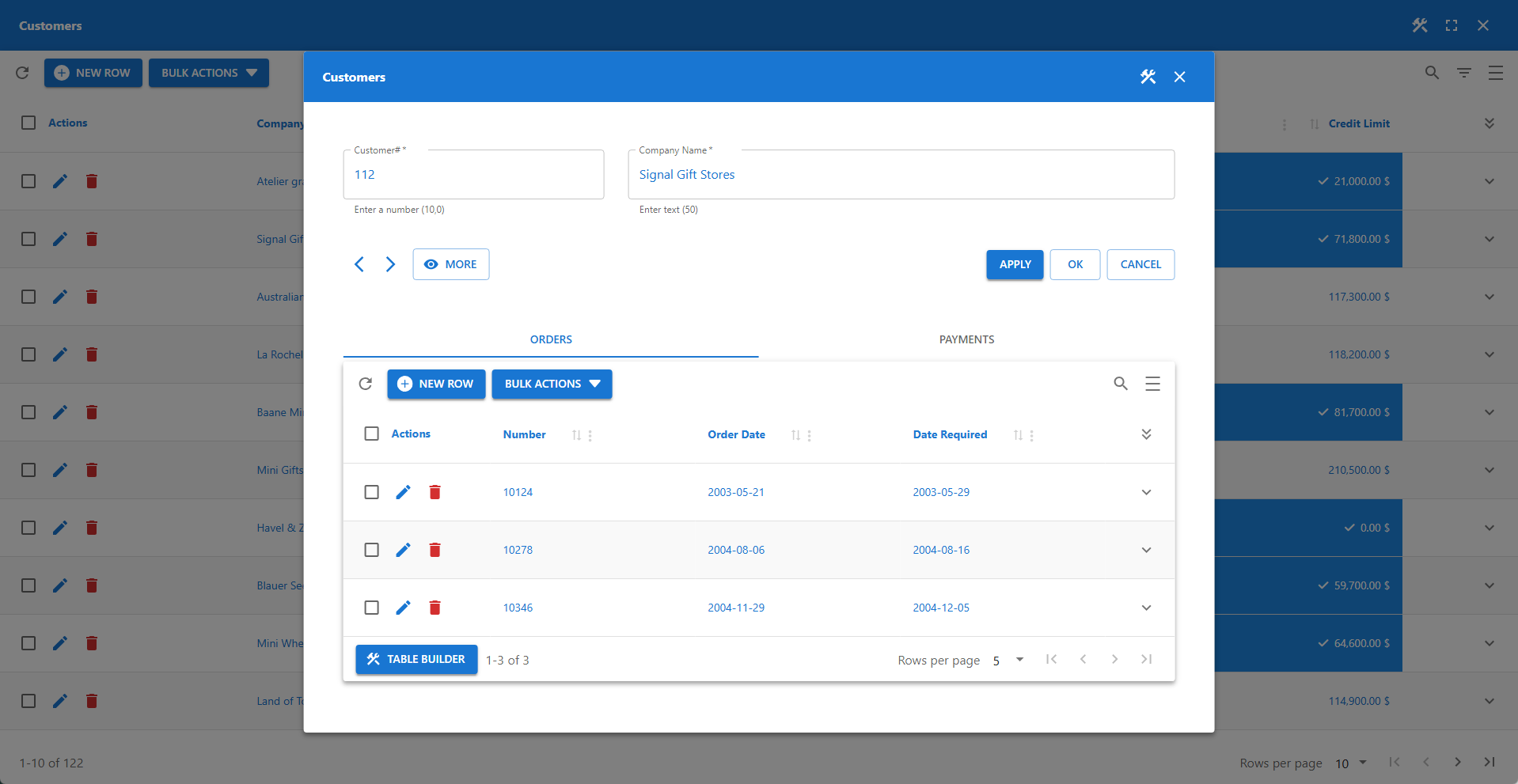
⚙️ Modal Forms
Opens forms in a modal window (applies to View and Update actions).
✨ Example: Standard Form vs Modal Form
⚙️ Allow Delete
Adds a Delete icon to the actions column of each row.
📌 The user must have the proper database privileges to delete rows.