Appearance
Global Filter
⚙️ Global Filter
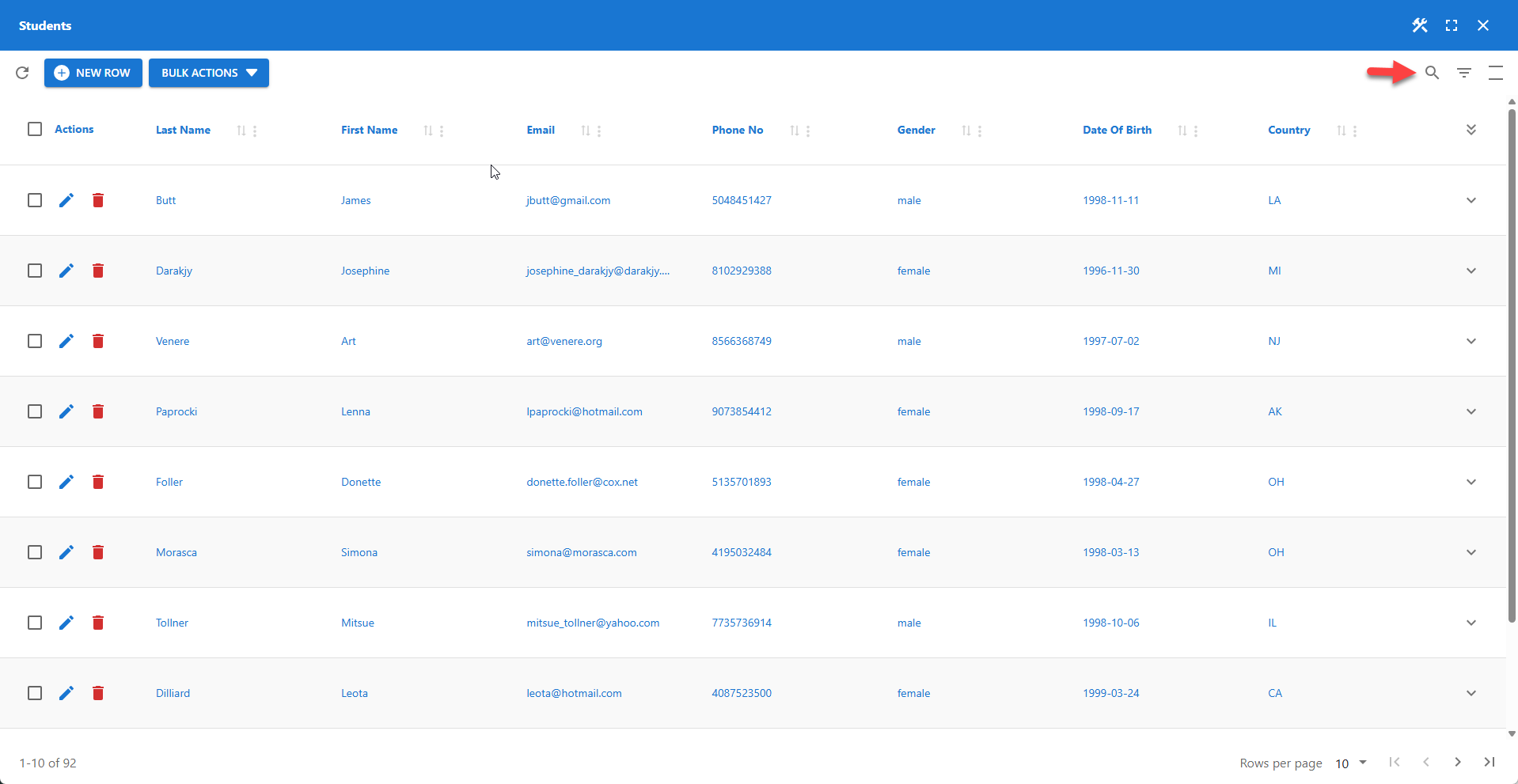
The global filter allows users to perform wildcard searches across all searchable columns. It can be disabled entirely or disabled for specific columns. Users can activate the global filter, click the search icon in the top right corner of the table.
💡 Global Filter Behavior
The behavior of the global filter depends on the performance settings:
- If large table support is disabled: The global filter is applied instantly.
- If large table support is enabled: The user must press the Enter key to apply the global filter.
⚙️ Disable Global Filter
To disable the global filter entirely, go to the Table menu in the Table Builder and deselect the enable global filter option.

⚙️ Exclude Columns from Global Filter

To exclude specific columns from the global filter, navigate to the Columns menu in the Table Builder and deselect the Searchable option. This will also disable the column's individual filter.
⚙️ Open Global Search on Startup
The global search box is closed by default and needs to be opened by the user manually. This features opens the global search box on page load automatically.
📌 Requires the global filter to be enabled.
⚙️ Always Keep Global Search Box Visible
Disables the users possibility to hide the global search box.
📌 Requires the global filter to be enabled.
⚙️ Show Empty Table on Startup
By default, the table queries the database on startup to display data. To start with an empty table and require users to perform a search first, deselect the show empty table on startup option in the Table Builder’s Table menu.
⚙️ Hightlight Matches
Filter matches are highlighted by default and can be disabled using this feature. Click the color field to change the highlight color. This feature applies to both, the global and column filter.
⚙️ Save filter state
- Restores filter state on app reload.
- Supports global and column filters.
- Persists state with cookies.
📌 Using Wildcards
The % character can be used to perform wildcard searches.
✨ Example
before%after