
Appearance
Null Value Handling
This setting controls how the form manages empty strings in database columns that do not allow NULL values.
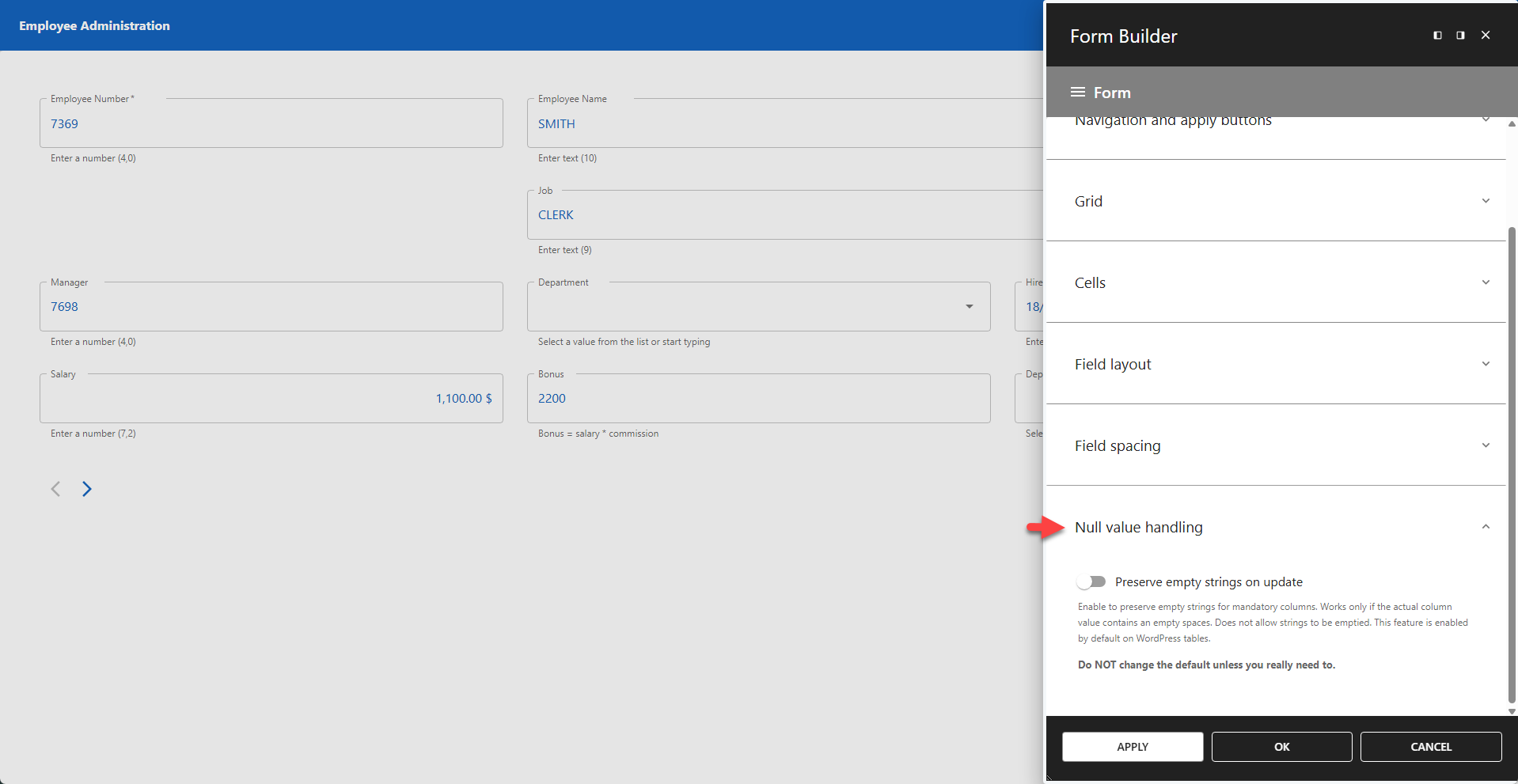
By default, mandatory (NOT NULL) database columns do not accept empty strings. However, some WordPress tables (like wp_posts) may contain empty strings in these columns, which can cause errors when updating records. This feature resolves that compatibility issue.
📌 Do not change this default setting unless you specifically encounter errors related to empty strings in NOT NULL columns.
⚙️ Preserve Empty Strings on Update
When enabled, this setting allows empty strings to be preserved in mandatory columns during update operations.
📌 Only works if the existing database value is already an empty string.
📌 Does not allow users to empty a field that currently contains a value (it only preserves existing empty values).
📌 Enabled by default for WordPress core tables.