
Appearance
Navigation and Apply Buttons
The Navigation and Apply Buttons settings control the visibility of the primary action buttons at the bottom of your form.
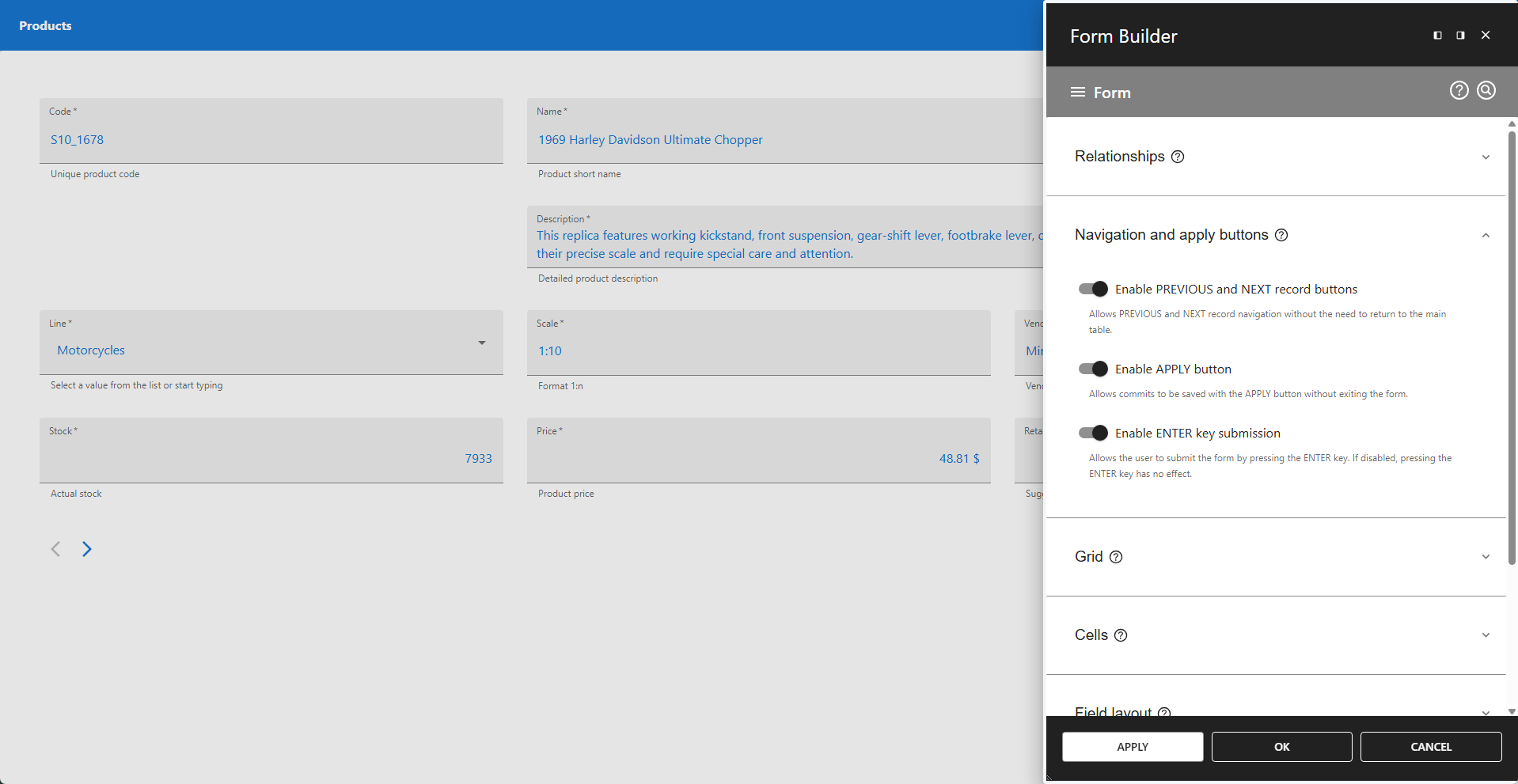
⚙️ Enable PREVIOUS and NEXT record buttons
This setting controls the visibility of the PREVIOUS and NEXT record navigation buttons. The buttons are displayed on the bottom-left side of the form. Disable this setting to hide the navigation buttons.
⚙️ Enable APPLY button
This setting controls the visibility of the main APPLY button, which is used to save changes made in the form. Disable this setting to hide the APPLY button.
⚙️ Enable ENTER key submission
This setting controls the behavior of the ENTER key. When enabled, the ENTER key allows form submission. When disabled, the ENTER key has no effect.